# 在Lark小程序中使用图表组件
**注意事项**:ChartSpace 已升级至 VChart,如果你是新用户,欢迎使用 [VChart](https://www.visactor.io/vchart/guide/tutorial_docs/Cross-terminal_and_Developer_Ecology/mini-app/block)。如果你是 ChartSpace 用户,欢迎升级至 VChart,如何升级详见[如何升级 VChart](https://open.larksuite.com/document/uAjLw4CM/uYjL24iN/block/component/extend/how-to-upgrade-to-vchart)。
## 概述
ChartsSpace 是一套图表组件。它提供了一系列常用图表,并提供高度灵活的开发扩展能力,能够帮助开发者快速搭建属于自己的图表分析应用。
ChartSpace 图表在Lark小程序中使用与在其他环境中使用并无差异。没有额外的api及版本区别,以保持 `write once, run anywhere`。
## 体验示例小程序
下载完整小程序示例代码包:[小程序示例代码包](//sf16-sg.larksuitecdn.com/obj/open-platform-opendoc-sg/b91cdfcd5c4c1f6639b7cc3dee90f0be_czEjvG6tHW.zip)。示例代码包导入和运行的方法可参见 [示例代码使用说明](https://open.larksuite.com/document/uYjL24iN/uYDM04iNwQjL2ADN)。

## Lark版本要求
支持Lark版本 >= 3.45。
发布前,建议在[Lark小程序](https://open.larksuite.com/app)自己应用的开发者后台"应用功能"的“小程序”页面,点击”小程序配置“将“最低兼容Lark版本”设为 3.45。当用户Lark版本过低的时候,会提示用户更新。
## 开发环境要求
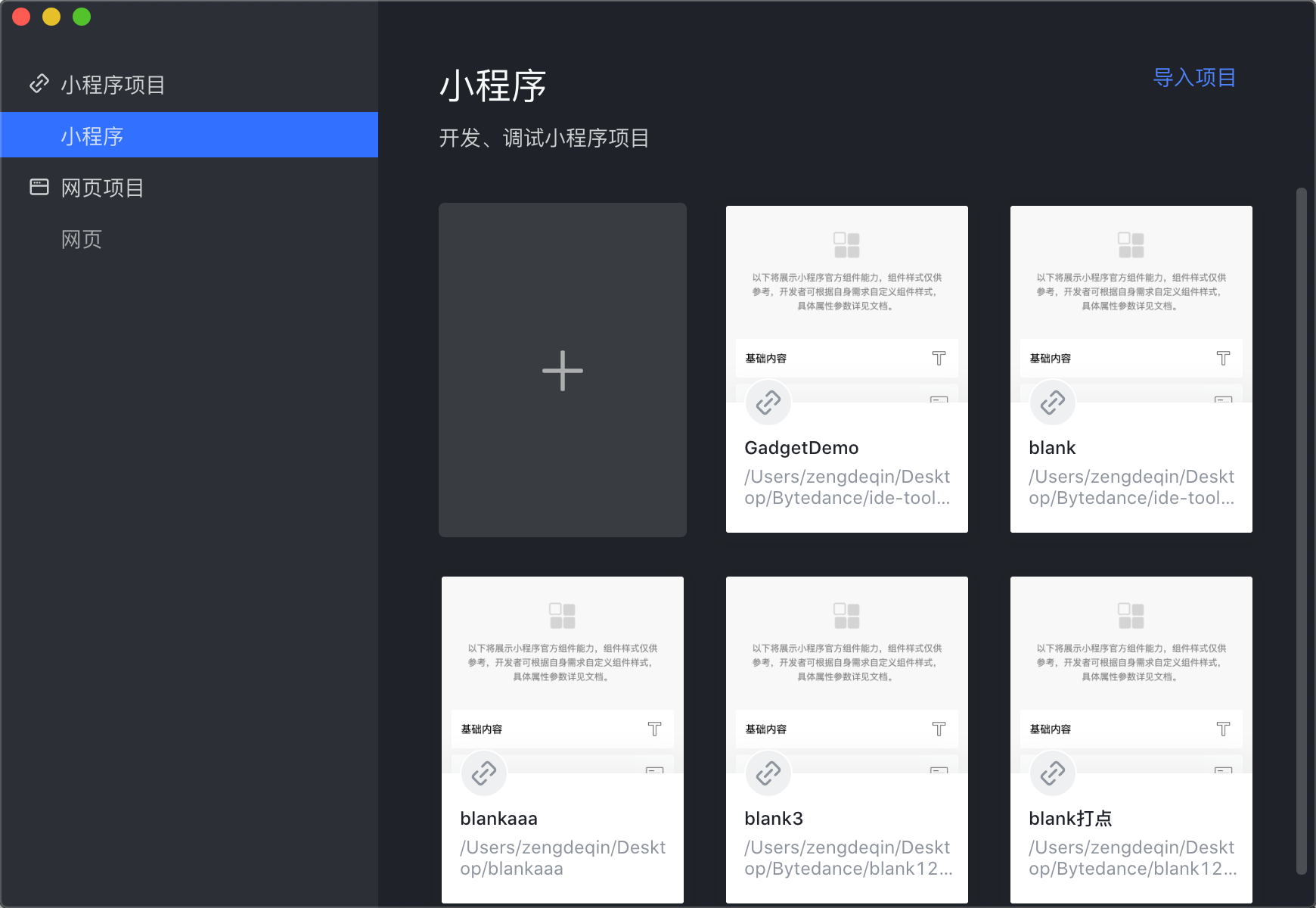
Lark小程序的[Lark开发者工具](https://open.larksuite.com/document/uYjL24iN/ucDOzYjL3gzM24yN4MjN)是一个可视化的调试开发工具,当下载后,可通过指引来开启动项目。
## 安装使用
在使用 ChartSpace Lark小程序组件库前,请确保你已经了解过 [开发小程序](https://open.larksuite.com/document/home/develop-a-gadget-in-5-minutes/create-a-custom-app) 和 [配置小程序](https://open.larksuite.com/document/uYjL24iN/uEDNuEDNuEDN)
### 原生使用
Lark小程序目前内置了 ChartSpace 图表库,具体使用如下
1. 调整 app.json 配置
```json
"useExtendedLib": {
"chartSpace": true
}
```
2. 在使用的页面 json 配置增加如下代码
```json
"usingComponents": {
"chart-space": "/lark-chartspace/index"
}
```
3. 在对应的 ttml 中使用
```ttml
```
4. 在对应的 index.js 中配置数据
```
Page({
data: {
spec: {
type: "line",
data: [
{
name: "line",
values: [
{
x: "1号",
y: 0.012
},
{
x: "2号",
y: -0.01
},
{
x: "3号",
y: 0.005
},
{
x: "4号",
y: 0.007
}
]
}
],
xField: "x",
yField: "y",
},
events: [
{
element: "chart",
type: "touchstart",
handler: (event, datum) => {
console.log(event, datum);
}
}
],
styles: null
},
onChartInit(chart) {
console.log('chart 实例初始化完成', chart);
},
onChartReady(chart) {
console.log('chart 实例渲染完成', chart);
},
});
```
其中 `spec` 是 ChartSpace 的核心概念。与 `echarts`的`option` 类似。他是一个用来描述图表的对象。
`options` 为一些额外的参数类型,这里目前支持的有 `tooltipRenderMode` 选项,当想自定义 tooltip 时,这个字段会比较有用
`chartinit` 是一个回调函数,在图表初始化完成后调用。其中的入参 instance 为图表的实例,可用于注册事件、主题等
`chartready` 是一个回调函数,在图表完成渲染后调用
`events` 时一个数组,用于注册一系列事件
## 暂不支持的功能
Lark小程序现阶段由于序列化问题,还不支持在 setData 以及 triggerEvent 中传递复杂对象及函数。